Last updated: September 2026
KYOTO XANADU -the Blooming Phantom- PS5 Controls & DualSense Guide
PlayStation 5 control scheme for KYOTO XANADU -the Blooming Phantom- including DualSense features, combat inputs, and accessibility options.
Default Combat Layout
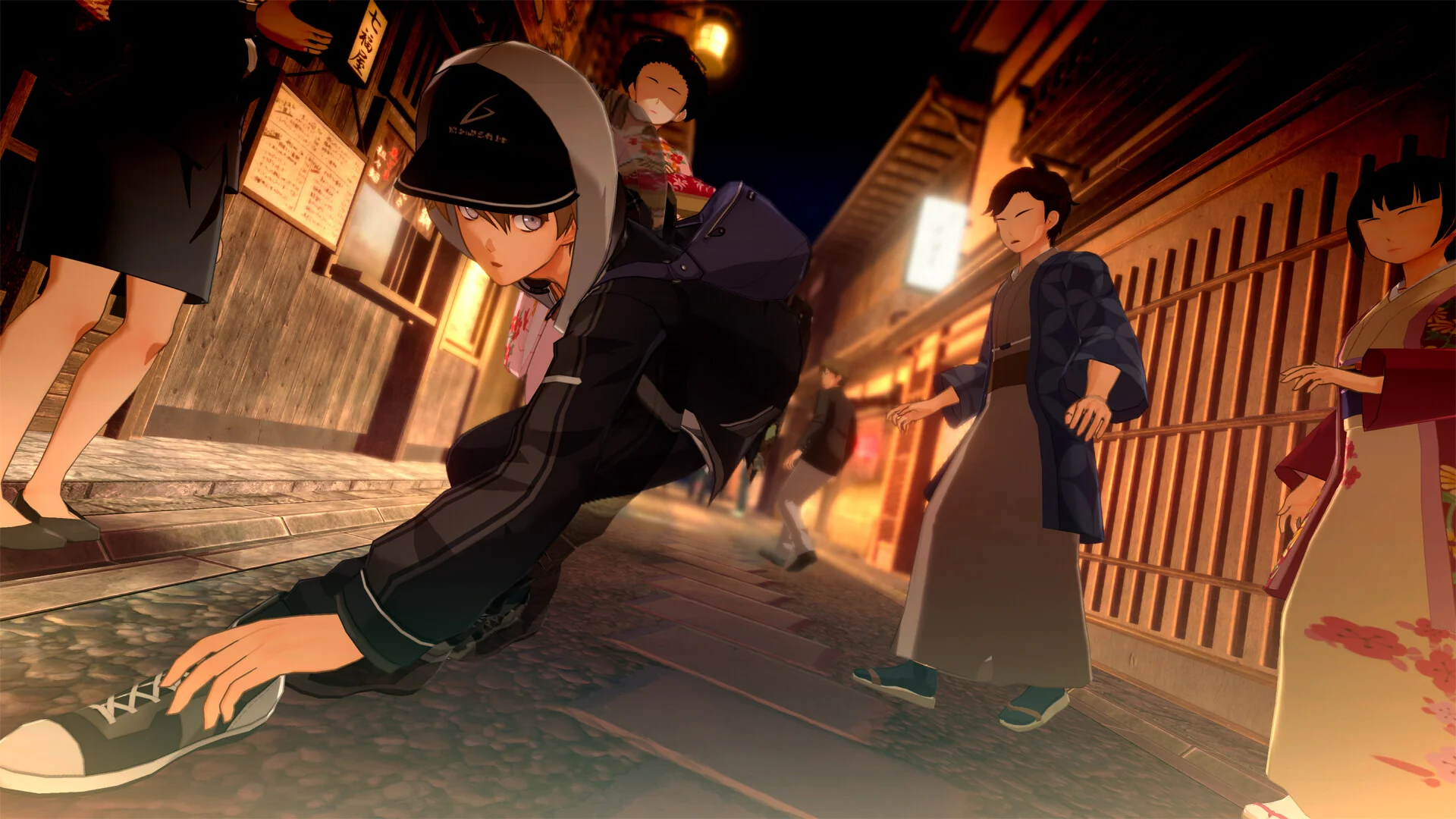
The PlayStation 5 version of KYOTO XANADU targets 60 frames per second with full DualSense support. Default combat mapping follows Falcom action RPG conventions: Square for Standard Attack chains, Triangle for Strong Attacks, Circle for Dodge, X for Jump with variable height on hold, R1 for Spirit Bullet shooting, and L1 for Guard with parry timing on impact frames.
Soul Accel activates with R2 when the Accel Gauge glows at maximum capacity. Issen prompts display the corresponding face button during the counter window — typically Square or Triangle depending on your active combo state. Secret Arts trigger with R2 plus Triangle in 3D battles when the Secret Arts Gauge fills completely.
- Square — Standard Attack (three-hit combo / aerial variant)
- Triangle — Strong Attack (character-specific finisher)
- Circle — Dodge (invincibility frames; hold direction on left stick)
- X — Jump (hold for higher arc; double jump when unlocked)
- R1 — Spirit Bullet (consumes Shoot Gauge)
- L1 — Guard / Parry (hold; timed press on enemy hit)
- R2 — Soul Accel (at max Accel Gauge) / Secret Arts modifier in 3D
- Left stick — Movement; aim Spirit Bullets in 2D mode
- Right stick — Camera in 3D mode; reticle aim for Spirit Bullets
Exploration and Menu Controls
Outside combat, Circle confirms interactions with NPCs, facility desks, and Sacred Tree offerings. Triangle opens the quick map overlay during labyrinth exploration. Touchpad swipe opens the full journal tracking Facility Requests, bonding progress, and Soul Device trees. Options button accesses settings including difficulty, battle feedback, and control remapping.
Kyoto City and Hirasaka Academy free-roam uses the same movement layout without combat buttons active. L3 sprint toggles faster walking when unlocked through story progression. Photo mode, if enabled post-launch, typically binds to D-pad down during exploration only.
DualSense Features
Adaptive triggers on L2 and R2 provide resistance cues during Guard hold and Soul Accel activation, giving tactile feedback for parry-focused players. Haptic feedback pulses on successful parries, Issen connects, and Aether vial near-capacity warnings. These features can be reduced or disabled in accessibility settings without gameplay penalty.
DualSense speaker occasionally plays directional audio hints for off-screen bonding event triggers in Kyoto — subtle but useful for completionists. 3D audio through compatible headsets improves red-telegraph Issen audio cues during PS5 boss encounters where visual clutter increases.
Remapping and Accessibility
Full button remapping is available in Settings > Controls. Popular alternatives include moving Guard to L2 for easier parry claw grips and swapping Spirit Bullet to R2 for players who prefer index-finger shooting. Toggle options exist for hold vs. press Guard and auto-target lock in 3D arenas.
Difficulty settings adjust parry window leniency independently of damage scaling on lower modes. Enable extended Issen prompt display and high-contrast telegraph colors if red attack warnings are difficult to distinguish against certain Guardian floor palettes.
Performance Notes
PS5 runs the native 60 FPS mode recommended for Issen timing practice. Performance mode maintains resolution tradeoffs during heavy 3D particle effects in Secret Arts animations. Activity Card integration tracks chapter progress and time since last labyrinth clear for returning players.
Save data supports both PS5 native and backward-compatible cloud backup through PlayStation Plus. Early purchase bonus Support Card: LinoN redeems through PSN entitlement on Asian region accounts or the purchasing account region depending on SKU.